Understanding the fundamentals of X/Twitter
Ejaz Ahmed
8 Dec 2025 | 7 min read
If you are just getting started with X/Twitter, all that jargon like retweets, DMs and hashtags might feel a bit much at first.
We will walk you through the key basics here. That should help you jump in with more confidence right away.
Tweets
Tweets consist of short public messages on X/Twitter that are limited to characters in length. They can also include various types of media attached to them.

Your timeline
Your X/Twitter timeline works as a real-time feed of tweets from the people you follow. It lists them in reverse chronological order. That setup keeps the newest posts showing up right at the top.
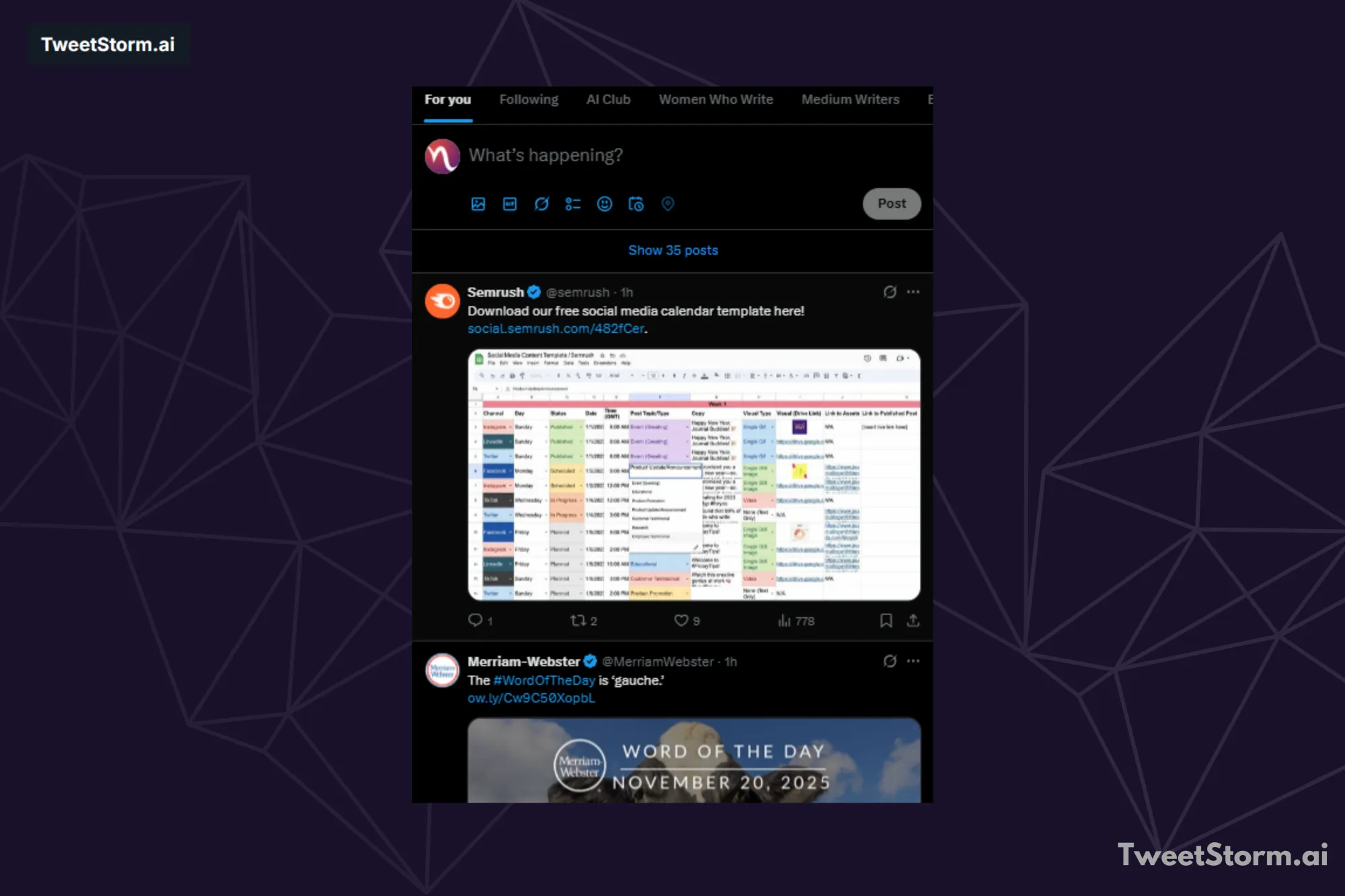
X/Twitter's algorithmic timeline is now the default, though a chronological feed option remains.
Mentions
Posts on X (formerly Twitter) are visible to followers and profile visitors. Most posts target a general audience, but you may need to direct a post to a specific account using an @username. Starting a post with an @username no longer limits visibility.
Starting a post with @username is now visible to all followers; a preceding period (.) is no longer needed for visibility.
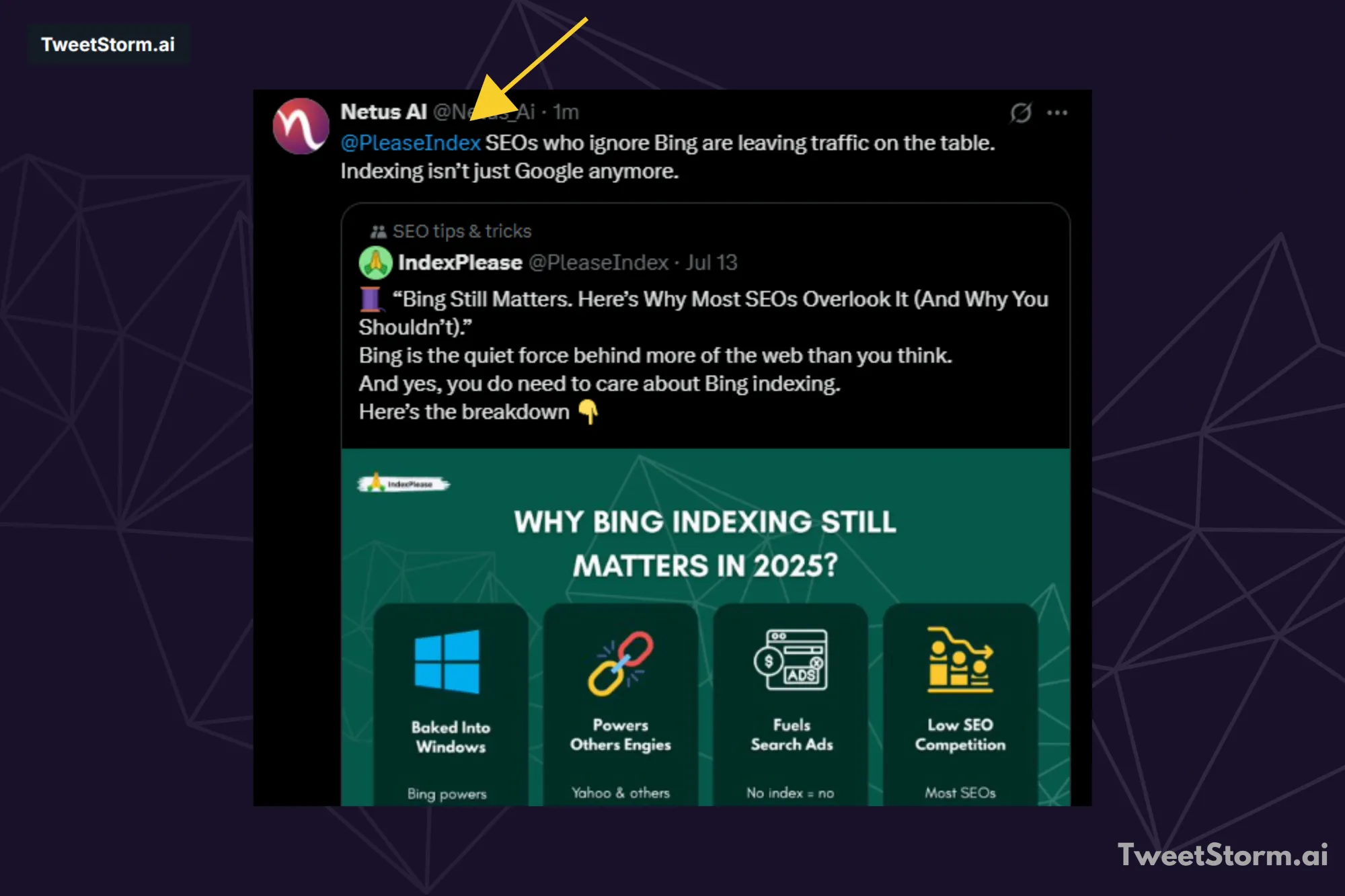
Use '@' followed by a username to send a @mention in a tweet. You can mention multiple users, but the 280-character limit remains.
Conversations
X/Twitter conversations are public, direct replies to a tweet, forming a visible chain when the original tweet is clicked.
Likes
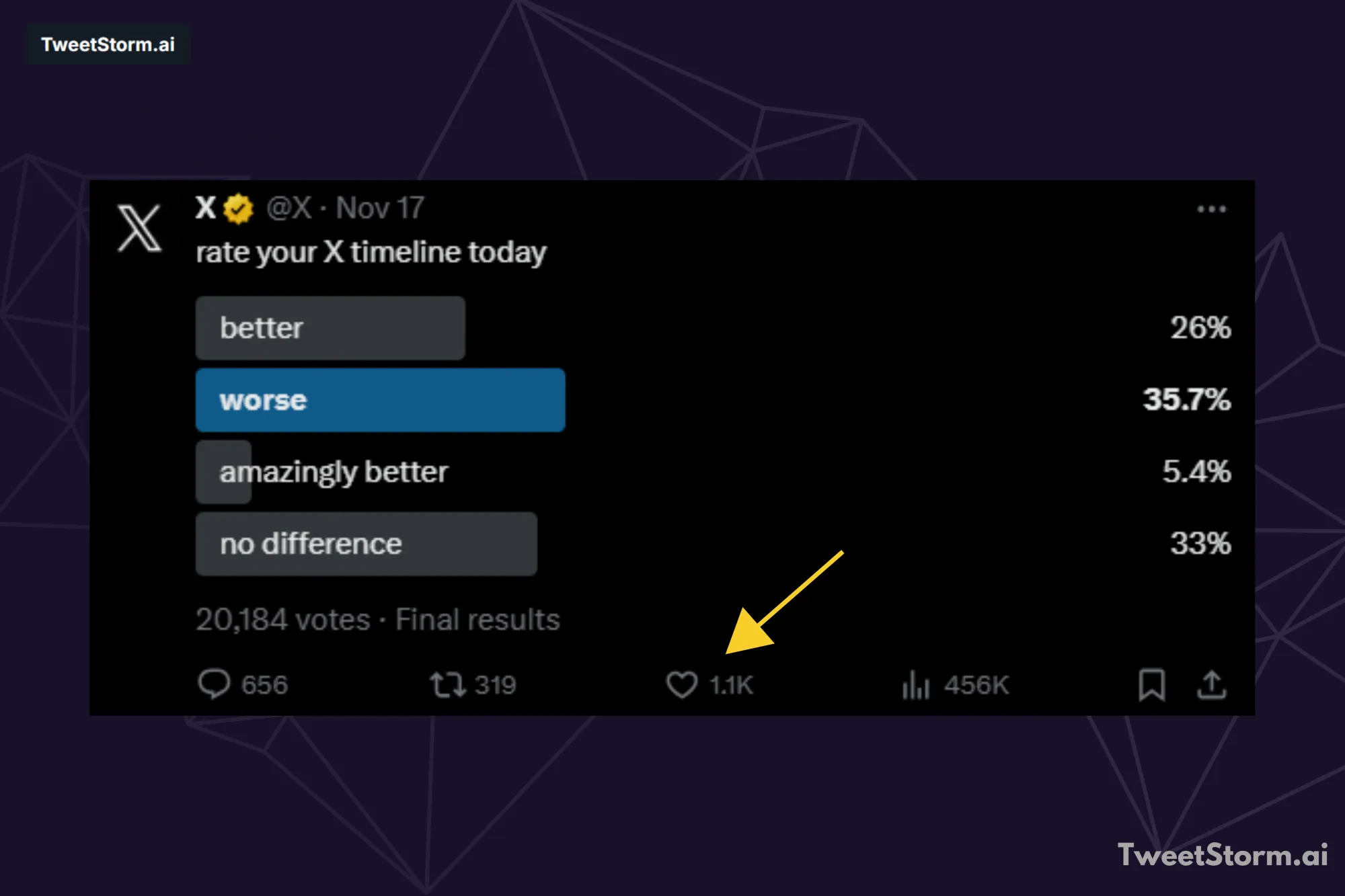
On X/Twitter, a 'like' (heart symbol) shows appreciation for a tweet, replacing 'favorite.' The number of likes indicates the post's success.
Reposting
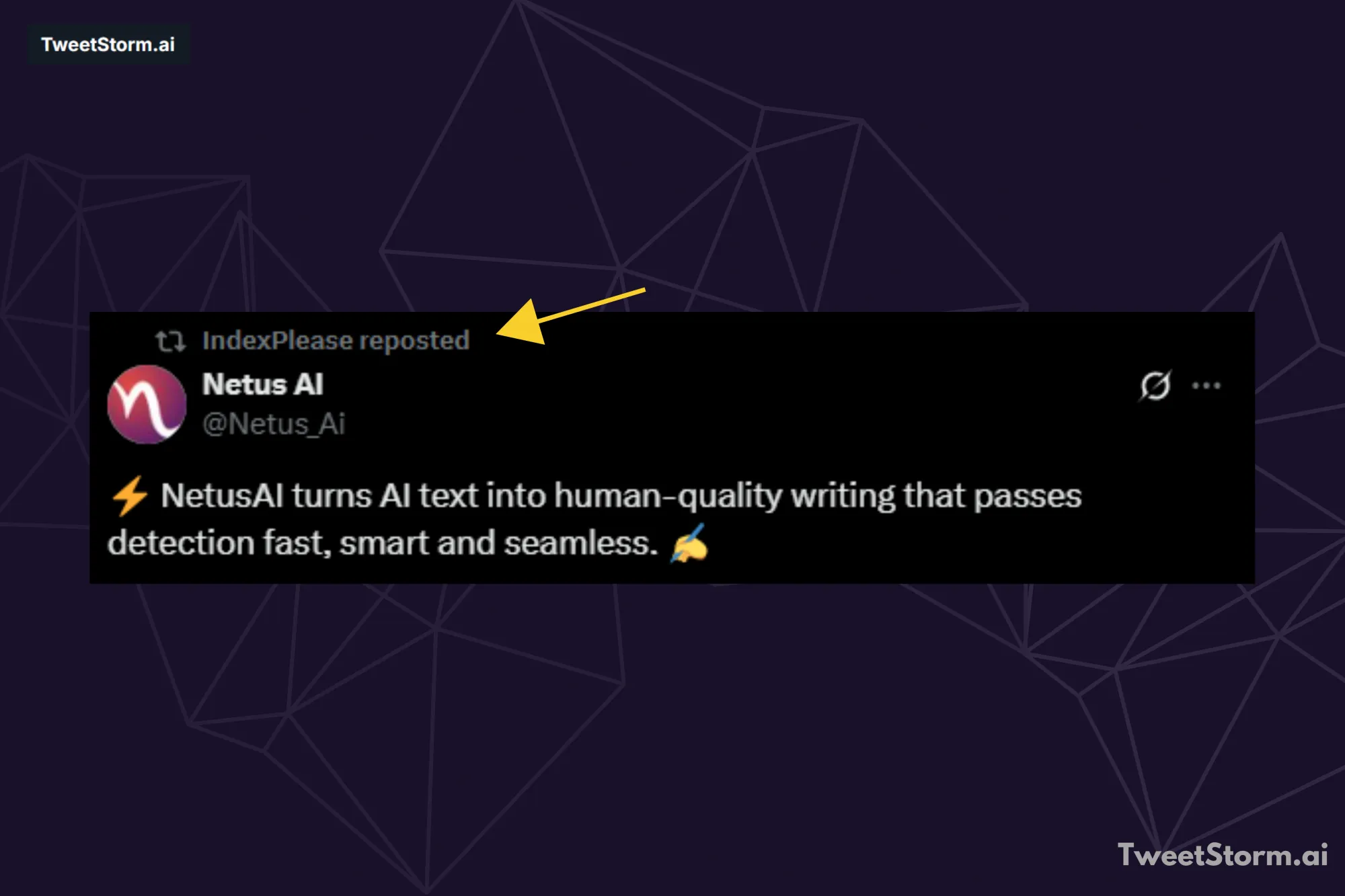
Reposting shares another's tweet with followers, showing appreciation. X/Twitter's direct repost passes the original post, user's picture and username.
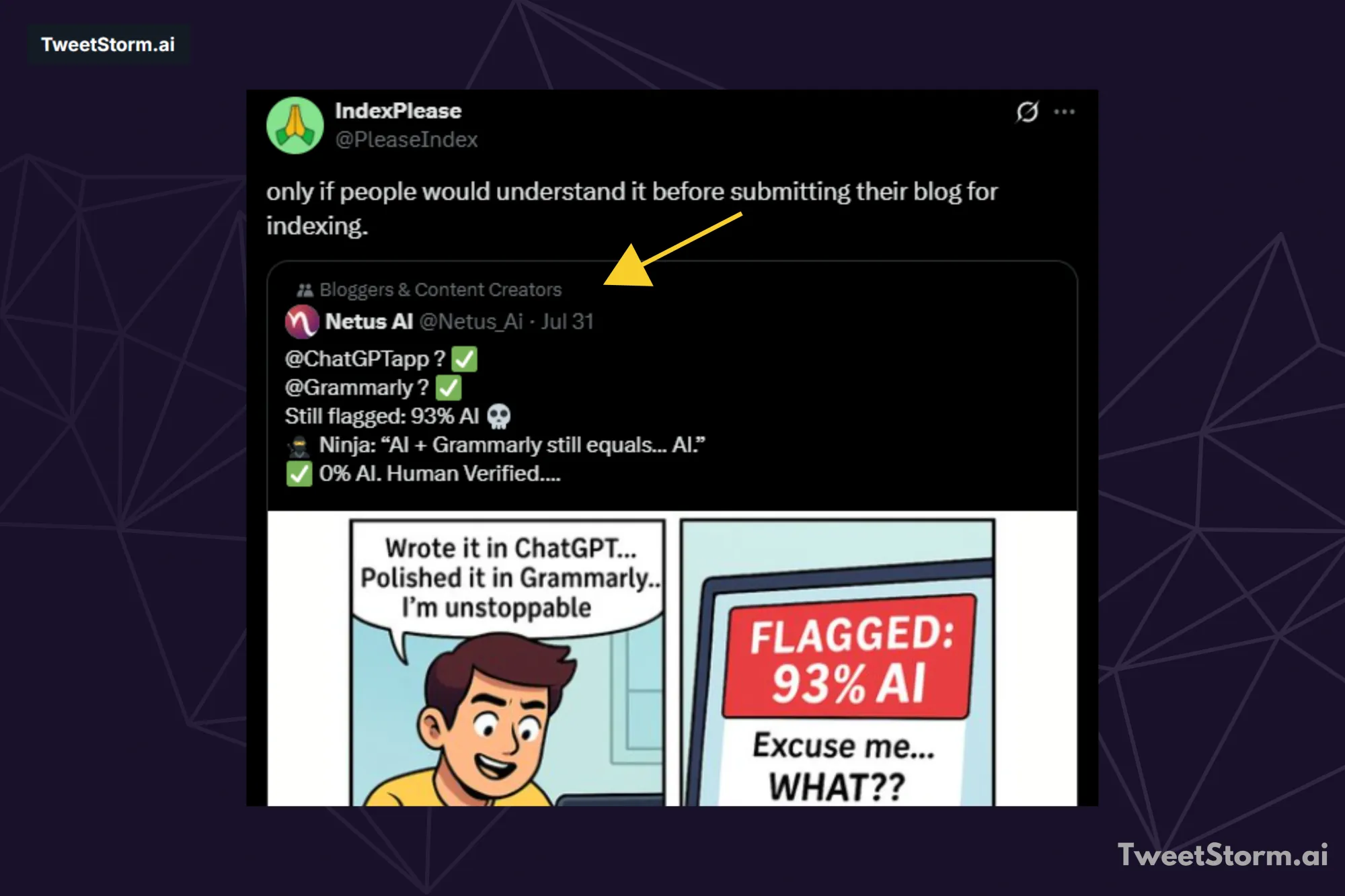
To add your own thoughts when sharing a tweet, quote it. Your comments will appear above the original tweet's box.
Retweeting shows off the original account while letting you throw in your own personal angle. You will see the retweet button right under each tweet. It looks like two arrows going in a circle. The number of retweets shows up below the tweet as well.
Direct messages (DM)
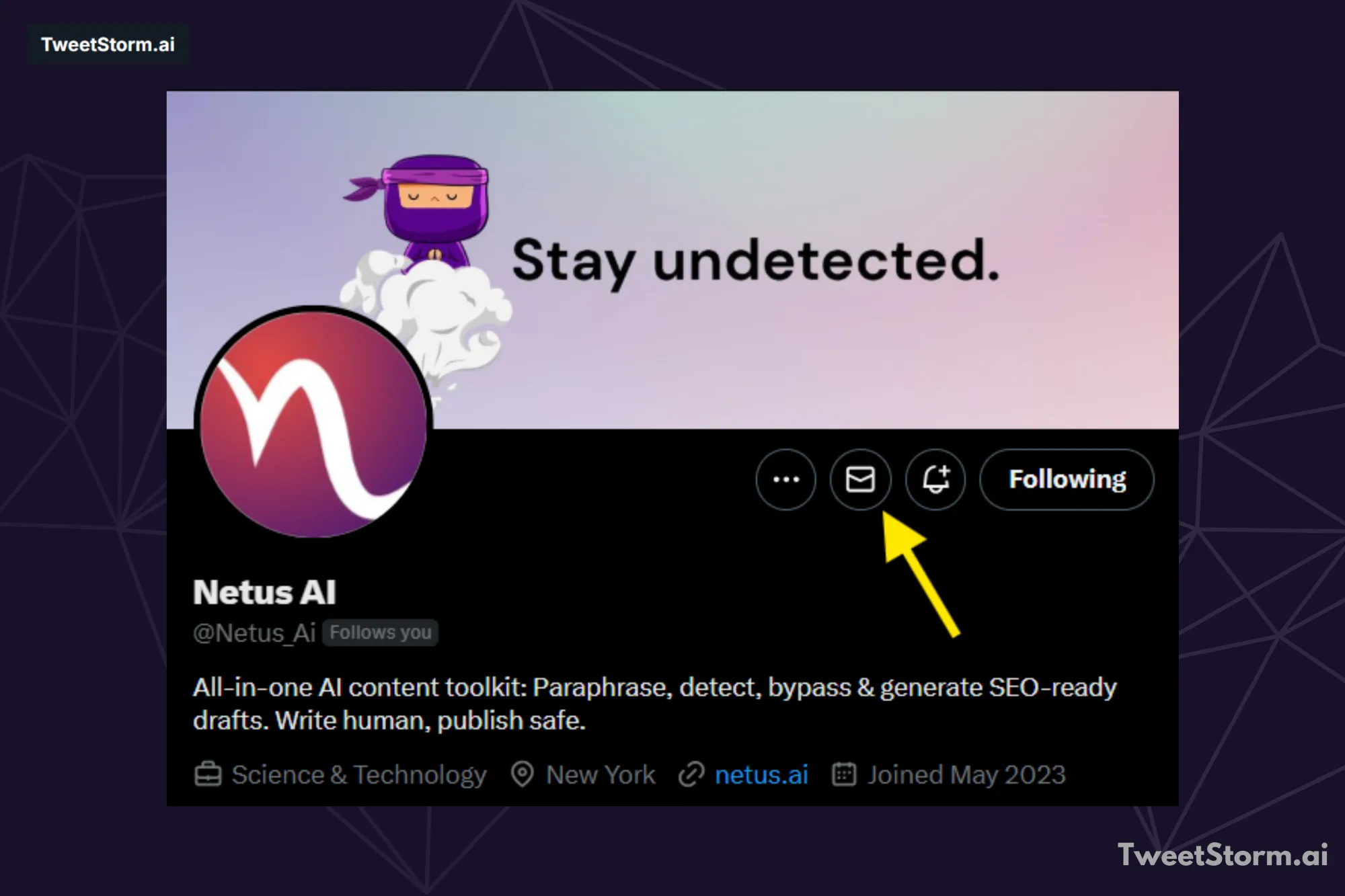
A Direct Message (DM) on X is a private chat (one-to-one or group). Unlike posts, DMs have no character limit and allow private sharing of long messages, media and files.
Tap the Messages icon or open a profile to DM. Messaging may be restricted by the recipient's settings or if mutual following is required.
#Hashtags
The pound sign '#' is a hashtag, linking tweets by topic and tracking trends (Trending Topics).
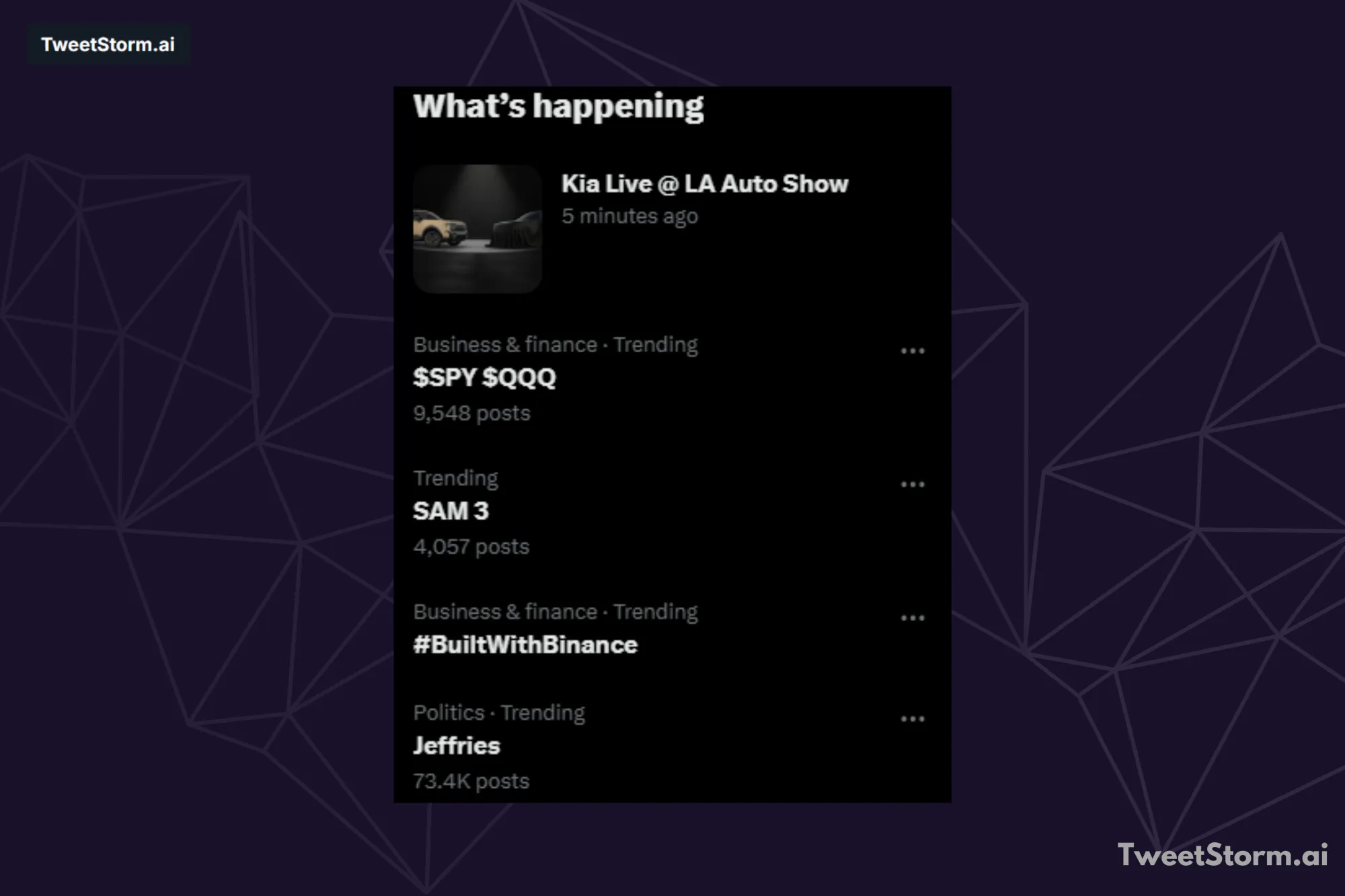
Use \#word to create a clickable hashtag link. Users can click or search for hashtags to find related tweets.
Muting
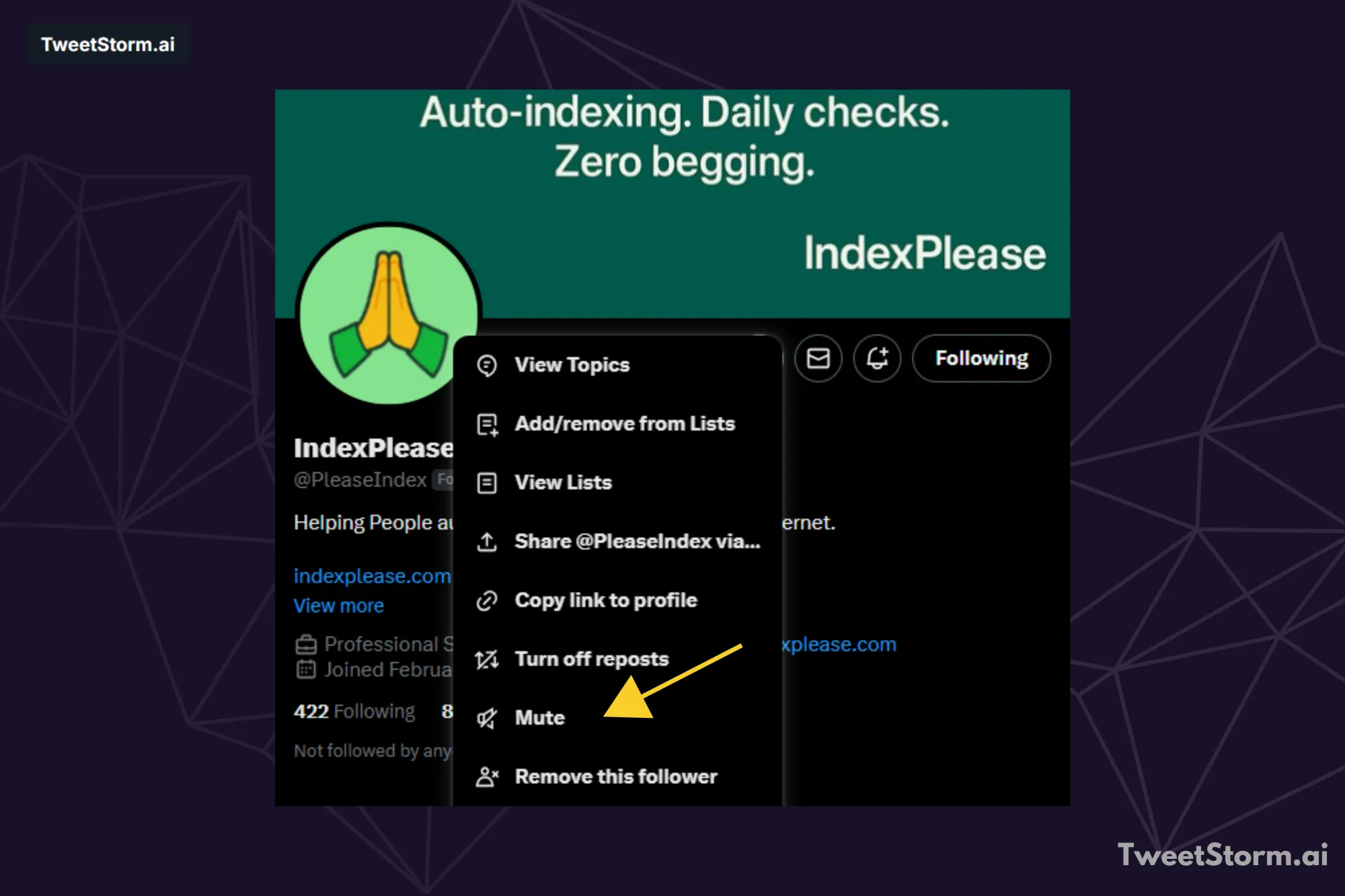
To quietly stop seeing a person's posts without unfollowing them, use the "Mute" option from the three-dot menu on their profile or a post. They won't be notified.
Blocking
When you block someone on X, their posts disappear from your view. It also stops them from seeing your content or interacting with it in any way. This feature helps deal with things like offensive behavior, spam messages or just unwanted contacts.
To block a user, head to their profile first. Tap the three-dot menu that shows up. Then pick the Block option from there. Unblocking works the same way, by going through those steps again. You never need to explain why you did it.
Removing followers
Removing followers is subtle; they can re-follow. Blocking is obvious when they try to view your profile.
Follow limits
To reduce spam and automated accounts, X places limits on how many users you can follow. Most accounts can follow up to 5,000 users initially.
After reaching that point, the limit increases based on your account’s follow ratio, meaning the more followers you have, the more accounts you’re allowed to follow. For example, an account with a large following may be able to follow far more than 5,000 users.
Daily limits
Twitter sets daily action limits to combat spam: 2,400 Tweets, 1,000 Direct Messages, 4 account email changes per hour and 400 Follows. Exceeding these limits restricts the user's ability to act and may result in stricter probationary limitations.
Videos and images
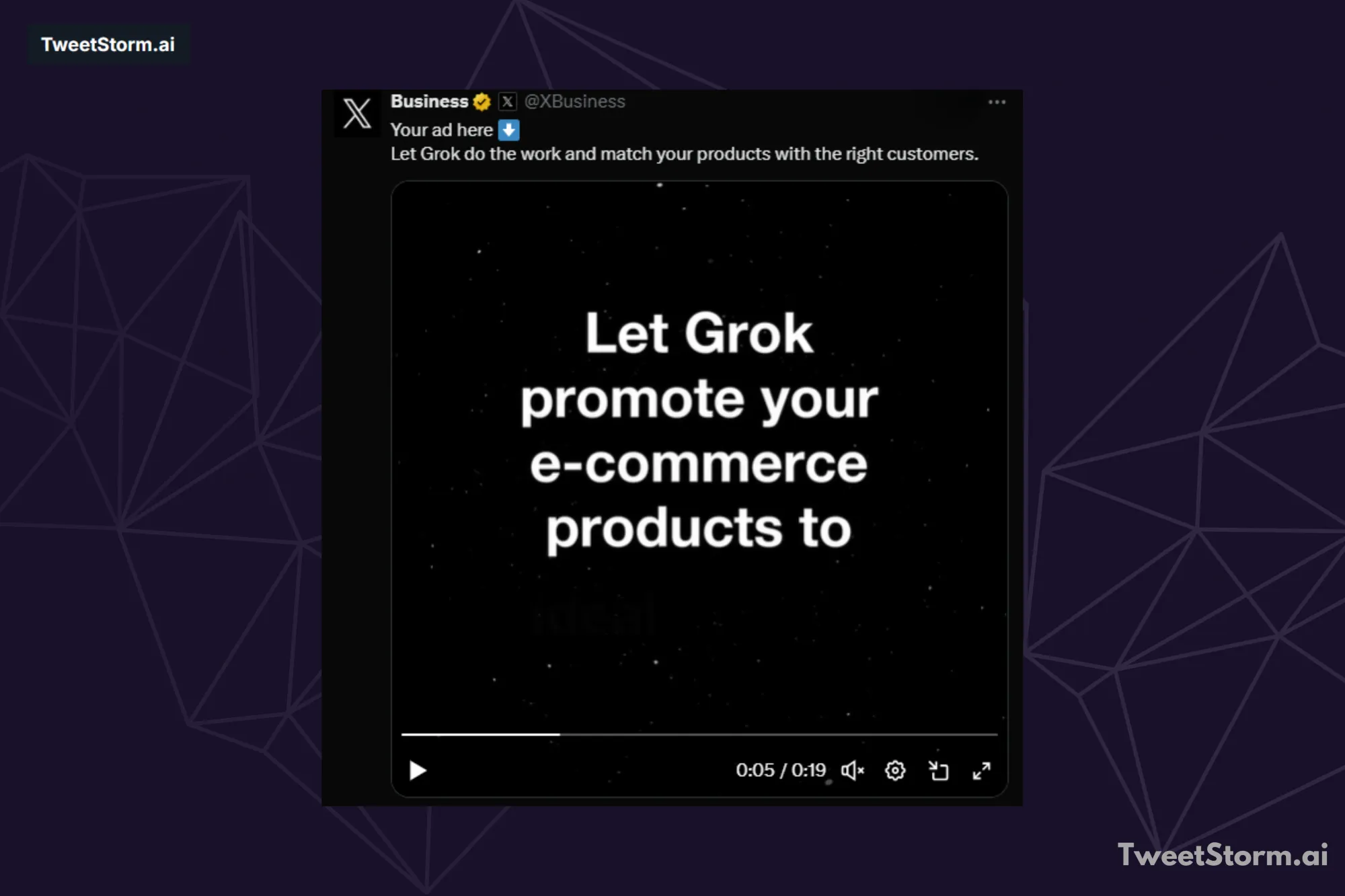
X is now a central hub for sharing photos and videos. To add media to a post:
- Tap the gallery icon to upload images or videos or paste a direct link.
- Media appears embedded in your feed. Tap images that are cropped or hidden to view them fully.
- Videos autoplay muted as you scroll, tap to expand and enable sound.
Tagging users in images
X now lets you tag people in images. To do this:
- Upload an image to your post.
- Once it appears, tap “Tag people” (or “Who’s in this photo?”).
- Enter the usernames of the people you want to tag.
Tagged users will be notified and you can tag multiple accounts in a single image.
Elevate your Twitter/X game with TweetStormAI
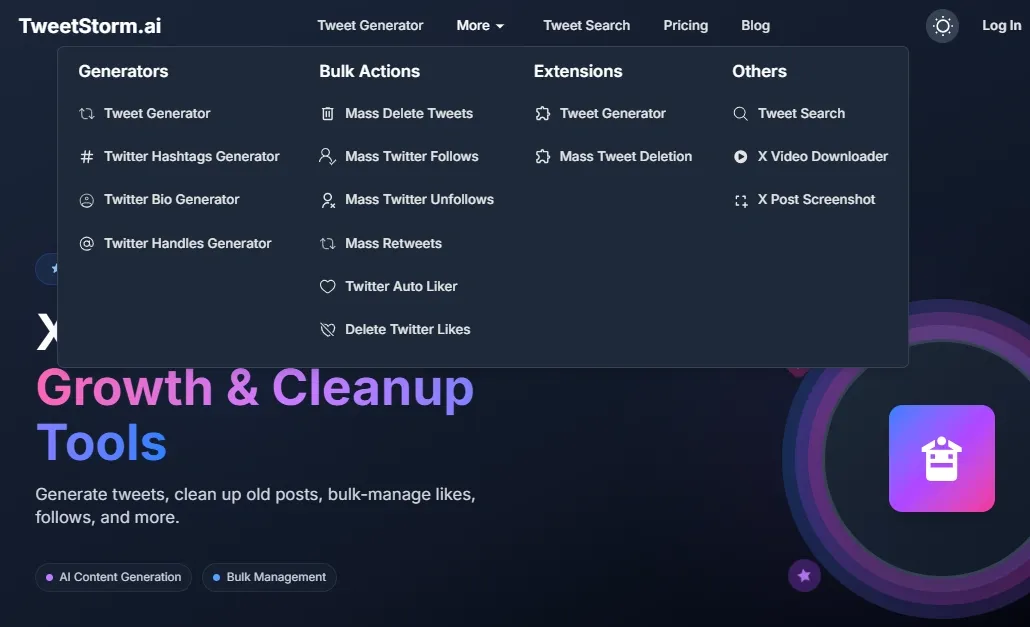
As highlighted throughout this guide, establishing and maintaining a strong Twitter/X presence requires consistent effort and strategic actions. TweetStormAI directly addresses many of these needs, making it an invaluable tool for both personal and business accounts:
- Content creation: The AI Tweet Generator overcomes writer's block, ensuring a steady stream of engaging content for effective tweeting.
- Profile optimization: The Bio and Handle Generators optimize your Twitter/X profile for discoverability and impact, aiding in professional account creation.
- Audience growth: Use mass follow/unfollow features to manage your audience.
- Engagement & reach: The Hashtag Generator helps with the "Handles and hashtags" strategy. Mass Retweets and Tweets Auto Liker improve interaction for "Interact with tweets about your business."
- Profile management: Mass Tweet Deletes and Delete Twitter/X Likes simplify maintaining a professional and relevant Twitter/X profile.
Integrate TweetStormAI into your Twitter/X strategy to enhance efficiency, grow reach and master the platform.
Final thoughts
You should get the hang of tweets, the timeline, at mentions, hashtags, reposting and direct messages to move around on X or Twitter without too much trouble. That way you can handle the platform better. Try out the mute and block options to shape your feed just how you want it. Still, keep an eye on those action limits so you do not run into issues.
TweetStormAI handles these tasks by simplifying them and automating the whole process.
FAQs
What are the basic elements of a post on X/Twitter?
The main parts of the platform include Tweets. These are short public messages that can reach up to 280 characters in length. There are also atMentions. You use them to send a post directly to a particular user.
Then you have #Hashtags. They connect posts around a certain topic and help follow what is trending. On top of that, people often add images or videos to their content. You can even set up longer private Direct Messages, which go by the name DMs.
What is the difference between Reposting and Quoting a Tweet?
When you repost a post, which used to go by the name retweeting, you basically send the whole thing from the original user right over to your own followers. Quoting a tweet gives you room to toss in your comments or ideas on top of it, while the original sits there in a compact box below your added text.
How can I manage unwanted content or users on my feed?
The thing is you have two main choices when dealing with users like this. Muting one stops their posts from showing up in your feed. They get no notice about what you did. You also skip unfollowing them altogether. Blocking goes a step further in protecting your space. It keeps that user from viewing your content or trying to interact with it. You will not see any of their posts moving forward.
Are there any limits on how much I can use the platform?
X/Twitter puts daily limits in place to fight spam. These cover things like 2,400 tweets, 1,000 direct messages and 400 follows each day. If you push past those numbers, your account actions get restricted for a while.
How can TweetStormAI help me master X/Twitter?
TweetStormAI gives you various tools to build up your online presence. It includes the AI Tweet Generator, which helps create steady content without much hassle. You also get Bio and Handle Generators to fine-tune your profile setup. On top of that, features such as Mass Retweets and the Tweets Auto Liker work to increase your interactions and overall visibility.