How marketers use X/Twitter search for campaigns & brand mention tracking?
Ejaz Ahmed
5 Feb 2026 | 6 min read
Marketers are not just posting information on Twitter or X, which is also used as a platform with real-time reactions. So, each launch of a campaign, any new update of product, hashtag promotion or working with influencers leaves behind searchable tweets about them.
But with a problem? Majority marketers almost not really use X/Twitter search very effectively.
From this guide, marketers will find how Twitter search is being used for keeping track of campaigns, mentions of brands and also for finding insights which competitors probably do not find.
Why is Twitter/X search valuable for marketers?
Compared to other platforms, X (Twitter) is public by default, which means there is transparency that cannot be matched. Because of this openness, what customers think of brand, sentiment and responses to a campaign, all are instantly visible and are not filtered in the real time.
Additionally, because it is public, you can observe competitors and what they do. When it is used in the right way, Twitter/X search goes beyond simple features for finding posts and becomes a powerful live analytics tool for campaigns.
What marketers monitor on X/Twitter search?
Before moving toward specific tactics, it is important to clarify what type of information marketers require by looking at social media. This type of data gets organized mainly into two categories: Main campaign signs and performance measures.
Main campaign signs include mentions and main keywords of the marketing work. Marketers look for brand mentions, including with the @ symbol and also without it, such as hashtag for campaign. They check product names, keywords related to product features, search for names of influencers or partners and any keywords of the event.
Performance measures are about looking deeper for how the public received the campaign and what was the real impact. This means looking at sentiment, positive or negative feedback.
In summary, X/Twitter search is very helpful to answer main questions like, if the campaign is actually connected and what is actual public commentary not specifically requested.
Basic search vs Advanced X/Twitter search: What is different?
Feature | Basic Search (Most use) | Advanced Search (For marketers) |
How search works | Based on keyword | Filtered by criteria |
Focus | Recent posts | For analysis |
Filtering ability | Filtering is limited | A lot of filtering is available |
Function | Used for browsing | For analysis |
Special filters | No filter options | Filtering is available |
How marketers monitor campaigns with advanced X/Twitter search?
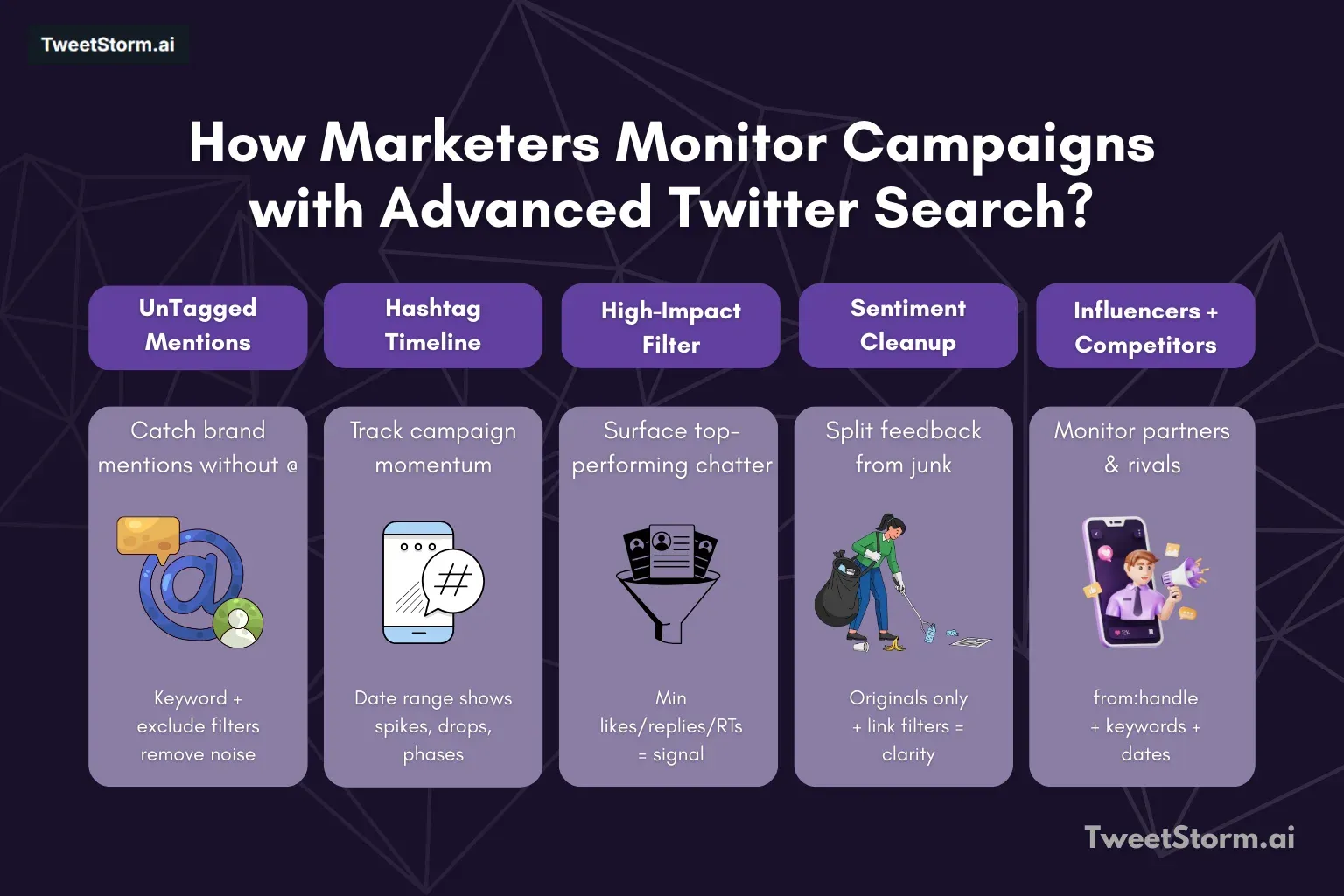
Let’s break it into a step by step method.
Step 1: Find mentions of brand name (Even if not tagged)
Action | Section in Advanced Search | Input | Purpose |
Find untagged mentions | Find words | Any of these words: [Your Brand Name] | To find organic mentions where users didn't use your brand's handle. |
Refine results | Exclude these words | [Words that create false positives, e.g., weather storm] | To filter out irrelevant tweets that contain your brand name but aren't about your brand. |
Step 2: Track campaign hashtag over period
Filter setting | Description | Purpose |
From | When the campaign starts. | Define the start of the tracking period. |
To | Today or when the campaign ends. | Define the end of the tracking period. |
By applying a date filter, you can:
Check how much momentum has been generated over time.
Find where engagement levels are dropping.
Compare activity on the launch day with activity that occurs afterward.
It is also possible to compare:
Week one's activity to week two's activity.
Step 3: Filtering only tweets with high impact
Filtering criteria | Resulting insights |
Minimum likes | Influencer reacting in a natural way |
Minimum replies | Viral and semi viral reactions |
Minimum number of retweets | Tweets you would want to comment on or reshare |
Overall benefit | Focus shifts to top tweets that moved the needle, instead of scrolling thousands. |
Step 4: Divide actual feedback from noise
Category | Options |
Campaign discussion types | Praise |
Question | |
Complaint | |
Spam | |
Replies not relevant | |
Advanced Search filters | Show only original tweet |
Hide reply tweets | |
Filter tweets with no links (often these more genuine) | |
Marketer outcome | Get more clear signals of sentiment |
Step 5: Keep track of influencer and partner mentions
Twitter search queries for influencer campaigns | Purpose |
from:influencer_handle | Checking that influencer posted at the correct time. |
Keywords matched to the campaign | How the audience is responding. |
Date range for posting | Which influencer is creating real engagement. |
Step 6: Watching what competitors do
Activity | Benefit for marketers |
Watching competitor | |
Searching competitor brand names | Tells marketer what type of message resonates. |
Finding competitor's hashtags | Tells marketer what causes a negative reply. |
Seeing audience reactions | Tells marketer what customers want the competitor to improve. |
Using insights | |
Making future campaign plans | Gained through insights on resonating messages, negative replies and desired improvements. |
How TweetStorm helps on advanced monitoring in campaigns?
Even though X/Twitter Advanced Search does have strong ability for finding data, extra help like TweetStorm is necessary for making these insights into proper, longer lasting and better organized marketing moves in general.
By looking at its features, TweetStorm got multiple abilities that are directly in response to problem of Twitter's native search during professional campaign monitoring:
Advanced Search of campaigns and managing the data
Advanced X/Twitter search:
This feature saves complicated filtered search queries, which fixes the issue about "Twitter/X not able to keep Advanced Searches for repeat use," so tracking continues to happen on a more regular basis by marketers.
Bulk options (For example, mass retweets, X/Twitter automatic liker):
In the case after seeing high impact tweets, marketers can do another mass retweet for boosting positive natural mentions or, using a Twitter auto liker, recognize supportive people of the community and so the campaign looks responsive for better feeling.
Mass X/Twitter following:
When key influencers or specific groups from successful campaigns are discovered, this function lets marketers connect quicker and make connections with those accounts, meaning those new insights actually help networking.
Tools to generate X/Twitter content (Only indirect connection)
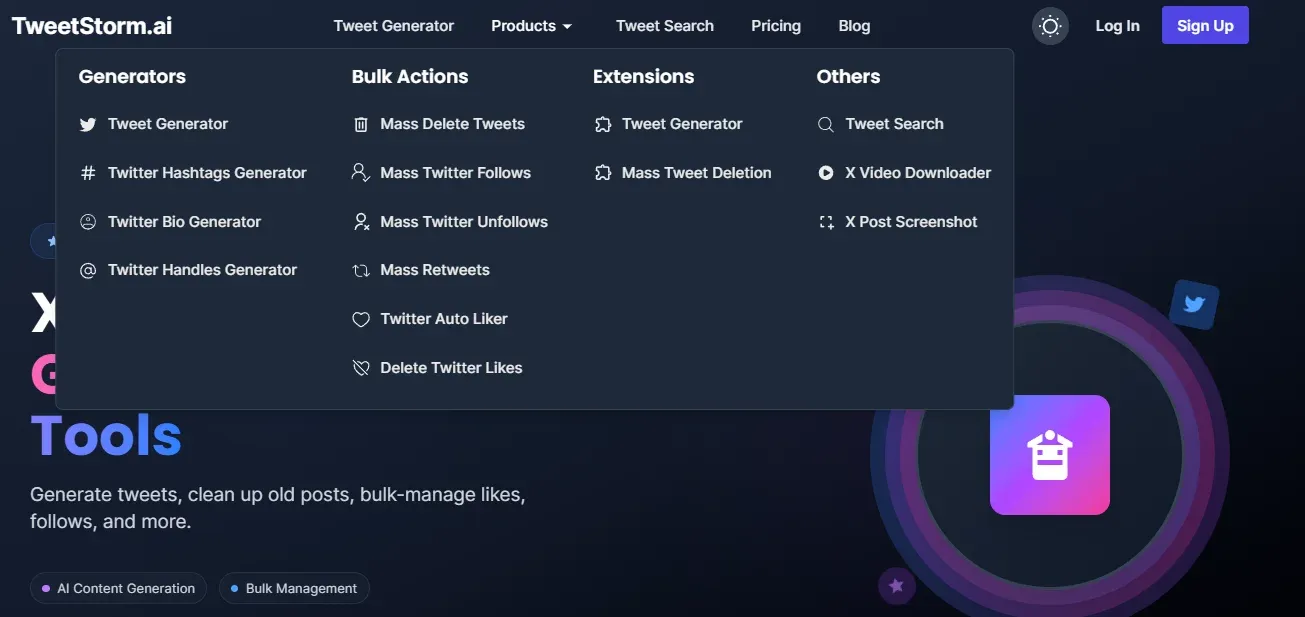
Functions like tweet generator, hashtag generator and bio generator exist mainly for making content, but they also help to keep an ongoing cycle in campaigns that are based on search outcomes.
Hashtag generator:
When search monitoring shows a campaign needs a second trending hashtag for stronger impact, this tool is able to find correct choices.
Tweet generator:
Results that are learned from competing campaigns or people's opinions can be used for improved or new campaign messages that connect better, all with this function.
Final opinions
Twitter search, if marketers use Advanced mode, is a lot more useful than just basic search, it is a mandatory part in new campaign monitoring and competition intelligence plans. If marketers stop only searching keywords and apply filters with methods, they can organize Twitter/X real time information and get more usable data.
The main key for good results is steady monitoring, using engagement and date filters as strict rules, as well as tools like TweetStorm in order to save and act after getting complex insights. Proper usage of Advanced Search allows you to not only launch campaigns effectively but also to immediately monitor, learn from and adapt your strategies.
FAQs
Can Twitter search be an alternative to social listening software?
Twitter search is strong for data in real time, but it is best to combine it, not fully swap, especially when doing deep sentiment evaluations.
How much does marketers need to watch campaign mentions?
When a campaign is active, every day or a few times per day is ideal, particularly in the launch time period.
Is it possible to control mentions without hashtags?
Yes, it is possible. Some users mention brands without using hashtags or @sign. Keyword search brings in these natural mentions.
Would Twitter search show sentiment on tweets?
Not directly. Marketers can interpret sentiment by examining language, replies and engagement styles, but they must manually read it.
Can searches be saved inside Twitter website?
No, Twitter/X cannot keep the Advanced Search patterns for repeated use.
What is TweetStorm’s usefulness on campaign tracking?
TweetStorm lets people save their searches, record search history and come back to campaign queries, so one-time search becomes a repeated process.
What is the optimal way for not having too much noise in searches?
Apply engagement filters, hide replies if needed and remove regular spam keywords.
May competitor campaigns be monitored without following their accounts?
Yes. Twitter search operates in public tweets, the following account is not needed analysing them.